 PriceGate
Amazon.ae vs noon: how to compare the same product's price, honestly
Neither store is always cheaper. The same product can be lower on Amazon.ae one week and on noon the next, and two listings that look the same often are not. Here is a fair way to compare, and what PriceGate can and cannot do for you here.
No store is always cheaper
You will see claims that one store is cheaper than the other. We have not seen data that supports a general rule, and we are not going to invent one. Prices on both stores move with sales, sellers and stock, so the only honest answer is to compare the specific product you want, on the day you want to buy it.
That comparison is easy to get wrong. The steps below keep it fair.
Step 1: make sure it is the same product
This is where most comparisons go wrong. Check each of these on both listings:
- Exact model number. Product names can be similar across generations. The model number in the specifications is the reliable match.
- Variant. Storage, size, colour and pack count. A two pack on one store and a single unit on the other is not a comparison.
- Bundle. Extras in the box change the value.
- Condition. New, renewed and open box units are different products.
Step 2: compare the seller and warranty
Both stores have products sold by the store itself and products sold by third party sellers. For each listing, note who sells it, who ships it, and what warranty it carries, local or regional versus international. A lower price from a seller with weaker returns or no local warranty may not be the better buy for you.
Step 3: compare the total, not the tag
Add both products to the basket and go as far as the checkout total without paying. Compare:
- Delivery cost and delivery date.
- Coupons you need to apply, and whether they are already in the price shown.
- Bank or card offers, and whether they apply to your card.
- Membership benefits you already pay for on either store.
- Return terms for that specific item.
Step 4: check the history, not just today
Today's comparison tells you which store is cheaper right now. It does not tell you whether either price is good. A product can be cheaper on one store today and still be well above its usual price.
For the Amazon.ae side, PriceGate shows the product's price history in AED, with the lowest, average and highest price, and a Good price or Maybe wait verdict. If the Amazon.ae price is near its own recent low, you know it is a strong price on that side.
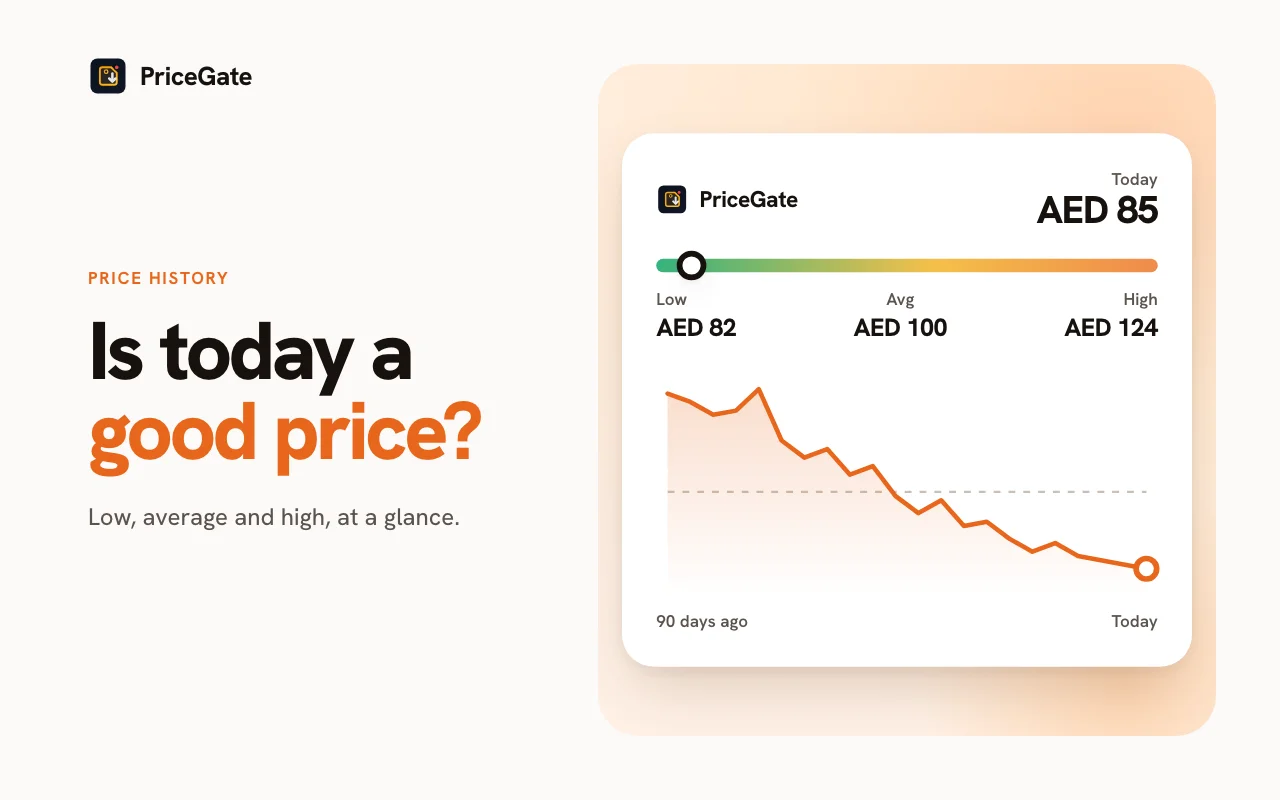
What PriceGate does not do: PriceGate does not track noon. It does not show noon prices, noon price history or noon alerts. For the noon side, check the listing yourself on the day. PriceGate also supports some other UAE stores; see the Amazon.ae price tracker page for what it covers.
A simple routine
- Pick the product and write down the exact model number and variant.
- Open it on Amazon.ae with PriceGate and read the history and verdict.
- Find the same model number and variant on noon.
- Compare seller, warranty and condition on both.
- Compare checkout totals with the offers that apply to you.
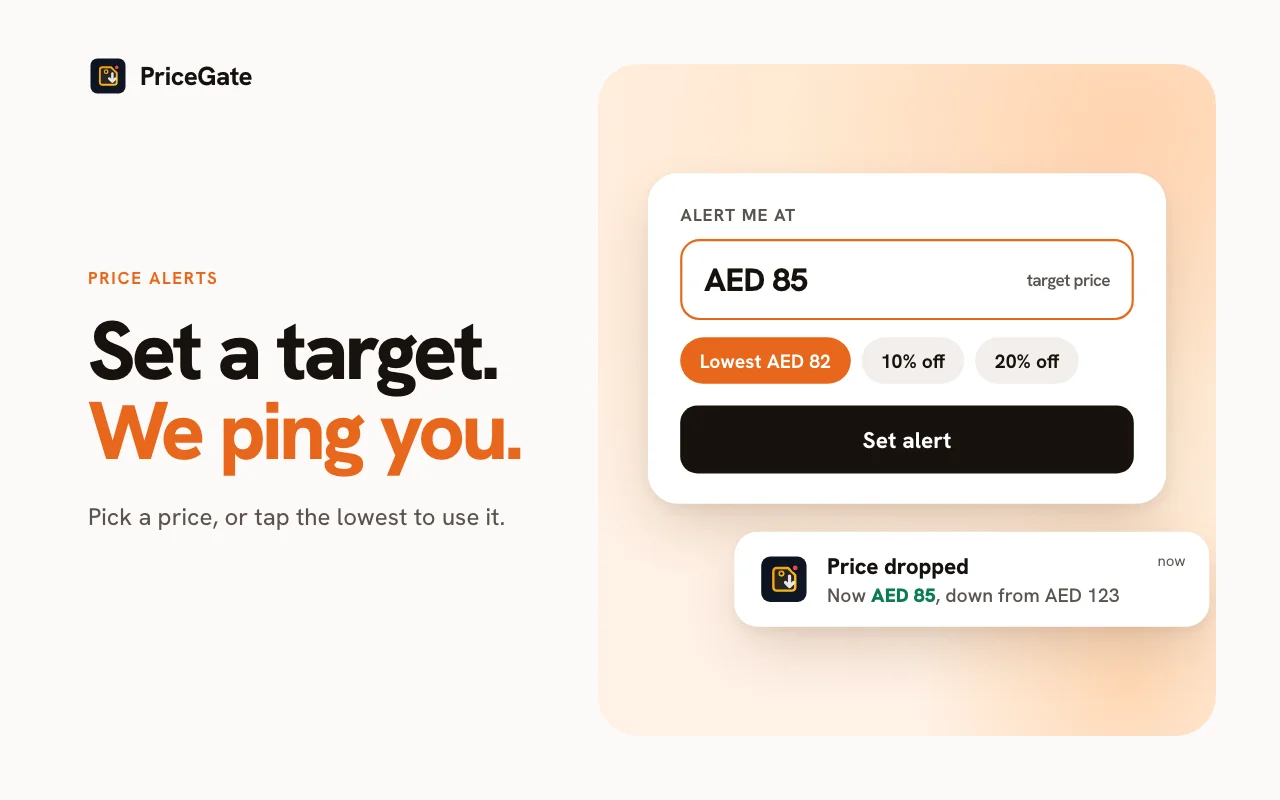
- If neither price is good yet, set a PriceGate target on the Amazon.ae listing and check noon again when the alert fires.
During sale season
Both stores run large November sales. Amazon.ae's White Friday runs from 19 to 30 November 2026, and noon runs its own Yellow Friday. Read Black Friday vs White Friday in the UAE for who runs what. During these events prices can change within a day, so compare close to the moment you buy, and use our White Friday checklist to keep the comparison fair.
Related guides



Start from the Amazon.ae price tracker page, or read about Amazon price history in the UAE.
Common questions
Is Amazon.ae or noon cheaper?
Neither is always cheaper. Prices move with sales, sellers and stock, so compare the specific product on the day you buy.
How do I compare the same product on Amazon.ae and noon?
Match the exact model number, variant, condition, seller and warranty, then compare checkout totals including delivery, coupons and card offers.
Does PriceGate track noon prices?
No. PriceGate does not track noon. It shows price history and alerts for Amazon.ae, so check the noon price yourself.
Why check price history if I am comparing two stores?
Comparing stores tells you which is cheaper today, not whether the price is good. The Amazon.ae history shows whether today is a low point for that product.
Check the Amazon.ae side first
Install PriceGate, open the product on Amazon.ae, and see whether today's price is low for it before you compare.