 PriceGate
Amazon.ae lightning deals: how to tell a real one in 10 seconds
A lightning deal gives you a countdown, a bar filling up, and a big percent off. None of those tell you whether the price is low. Here is how to check in about ten seconds, before the timer runs out.
What a lightning deal is
On Amazon.ae, a lightning deal is an offer on one product that runs for a limited time or until a limited number of units is claimed, whichever comes first. The deal card shows a countdown timer and a bar with the share of units already claimed. During big events such as White Friday (19 to 30 November 2026) there are many of them, and new ones start through the day.
The format is built for speed. A timer and a filling bar push you to decide before you compare. That is fine when the price really is low, and expensive when it is not.
What the deal card does not tell you
- What the product normally sells for. The percent off is calculated against a reference price. A product can be shown with a big percentage while the deal price is close to what it costs on an ordinary week.
- Whether it was cheaper before. A product may have been lower last month, or during an earlier sale, than it is in today's lightning deal.
- Whether the claimed bar means anything for you. A bar near full tells you other people clicked. It says nothing about the price.
The 10 second check
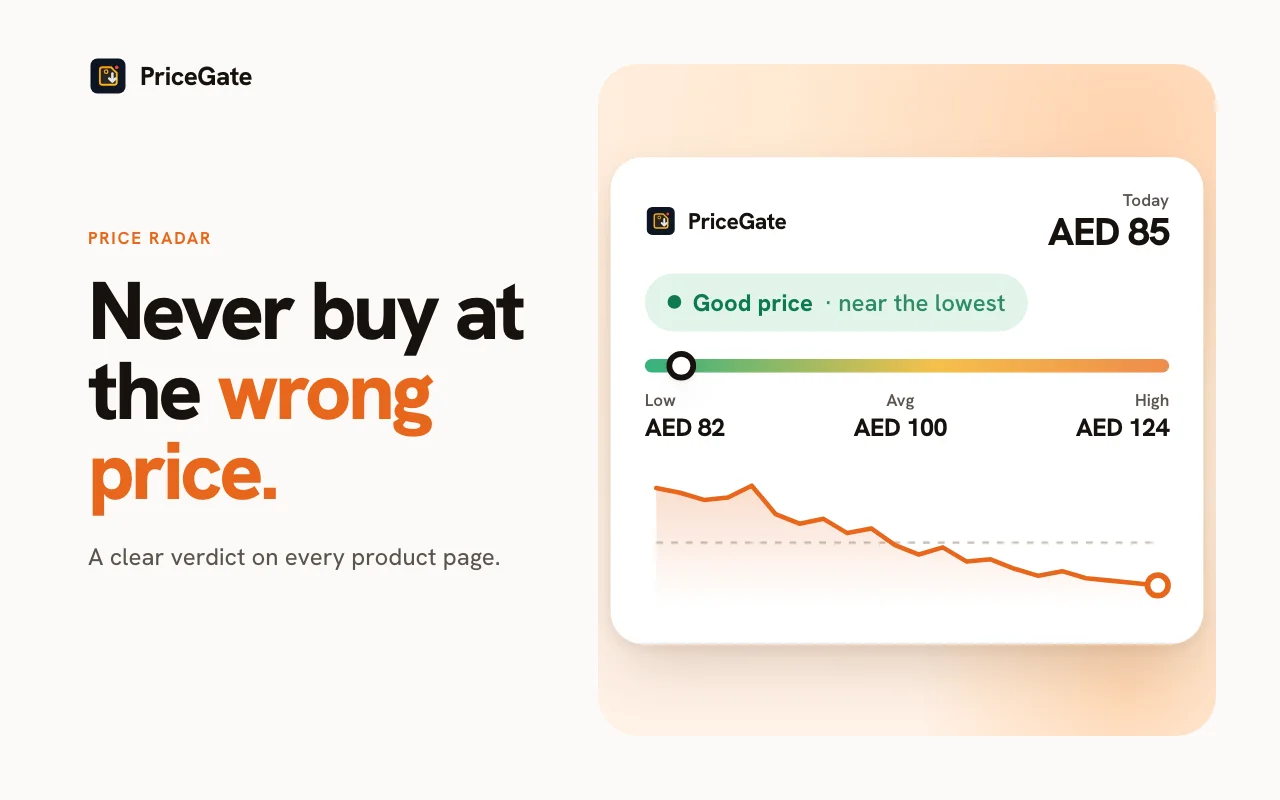
With PriceGate installed, open the product from the deal card. The panel next to the price shows its history in AED. Then:
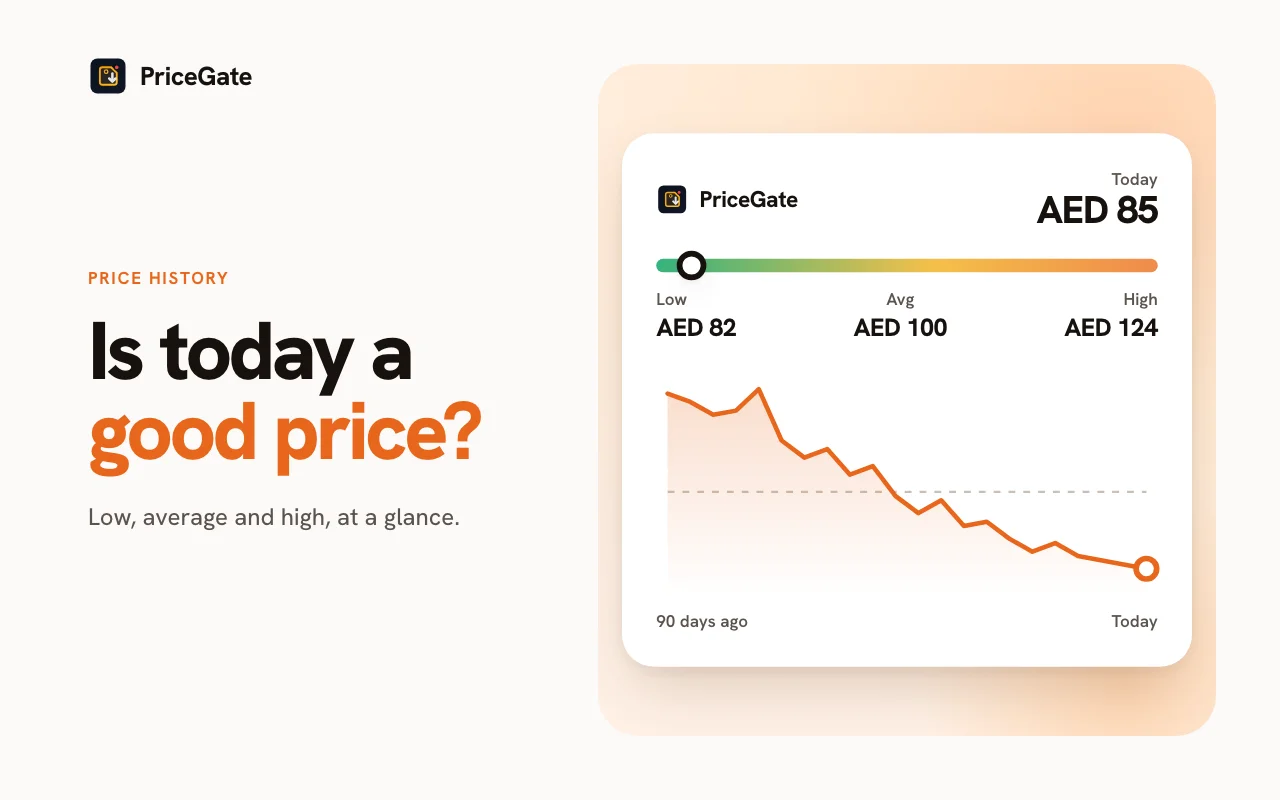
- Second 1 to 3: read the verdict. PriceGate labels the price Good price or Maybe wait, based on the product's own history.
- Second 4 to 7: compare with the lowest. Is the deal price at or near the recent lowest price on the chart? If yes, it is a real low for this product.
- Second 8 to 10: compare with the average. If the deal price is only around the average, the "deal" is a normal price with a timer on it.
That is the whole check. If it passes, the remaining questions are the usual ones: is this the variant you want, who is the seller, and what is the checkout total? If it fails, close the tab. Another lightning deal will start soon, and a missed weak deal costs you nothing.
Three patterns to recognise
The real one
The deal price sits at or below the lowest point on the chart, on a product you wanted anyway. This is what lightning deals are good for. Buy it if the seller and variant are right.
The normal price with a timer
The deal price is close to the line the chart spends most of its time on. The discount badge is measured against a reference price that the product rarely sells at. Skip it.
The return of an old low
The deal price matches a low the product hit before. It is a fair price, but not a rare one. If you need the product, buying is reasonable. If you do not, it will likely come back in a later sale.
When the product has no history
PriceGate builds a shared, anonymous history from the products its users view and track. A popular product usually has a long chart. A product nobody has tracked yet starts with a short one. If the chart is too short to judge, treat the deal as unproven. Check the seller and the reviews, and only buy if the price is one you would happily pay with no badge at all.
Missed it? Set an alert
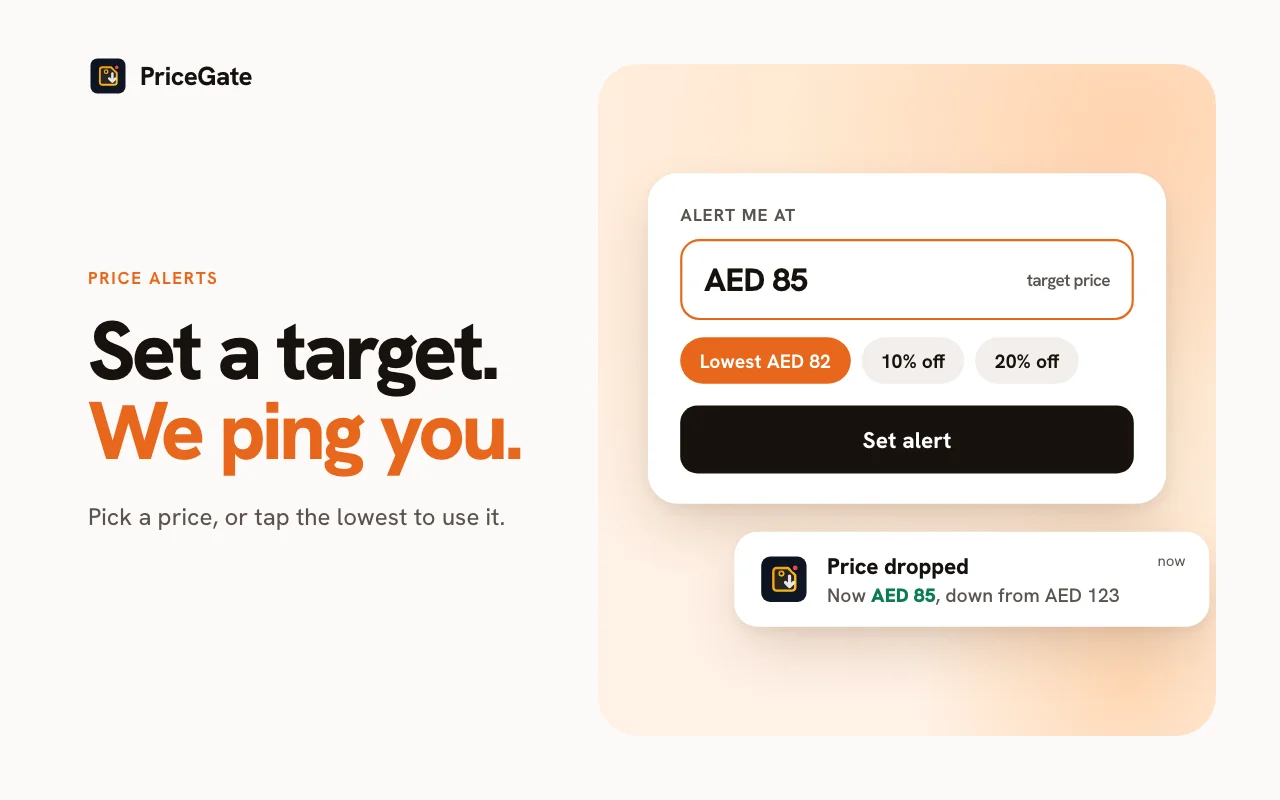
If the timer ran out or the bar filled up, do not chase the next deal on the same product. In the PriceGate panel set a target price, or tap the lowest, average, 30 day or median price to use it as your target. PriceGate keeps checking and sends a browser notification when the price gets there, with or without a lightning deal.
Tip: before White Friday, add the products you want to a watchlist. When a lightning deal appears on one of them, you already know its lowest and average price, and the 10 second check becomes a 3 second check. Our White Friday checklist walks through it.
Related guides



Start from the Amazon.ae price tracker page, or read about Amazon price history in the UAE.
Common questions
Are Amazon.ae lightning deals real discounts?
Some are and some are not. The timer and quantity limit are real, but the percent off is measured against a reference price. Compare the deal price with the product's own recent lowest and average price to know.
How do I check a lightning deal quickly?
Open the product with PriceGate installed, read the Good price or Maybe wait verdict, then compare the deal price with the recent lowest and the average on the chart. It takes about ten seconds.
Does a nearly full claimed bar mean it is a good deal?
No. It shows how many units other shoppers claimed, not whether the price is low for that product.
What if I miss a lightning deal?
Set a target price alert in PriceGate. You will be notified when the price reaches your target, whether or not a lightning deal is running.
Check the next lightning deal
Install PriceGate and see any Amazon.ae deal price next to its real history in AED, before the timer runs out.